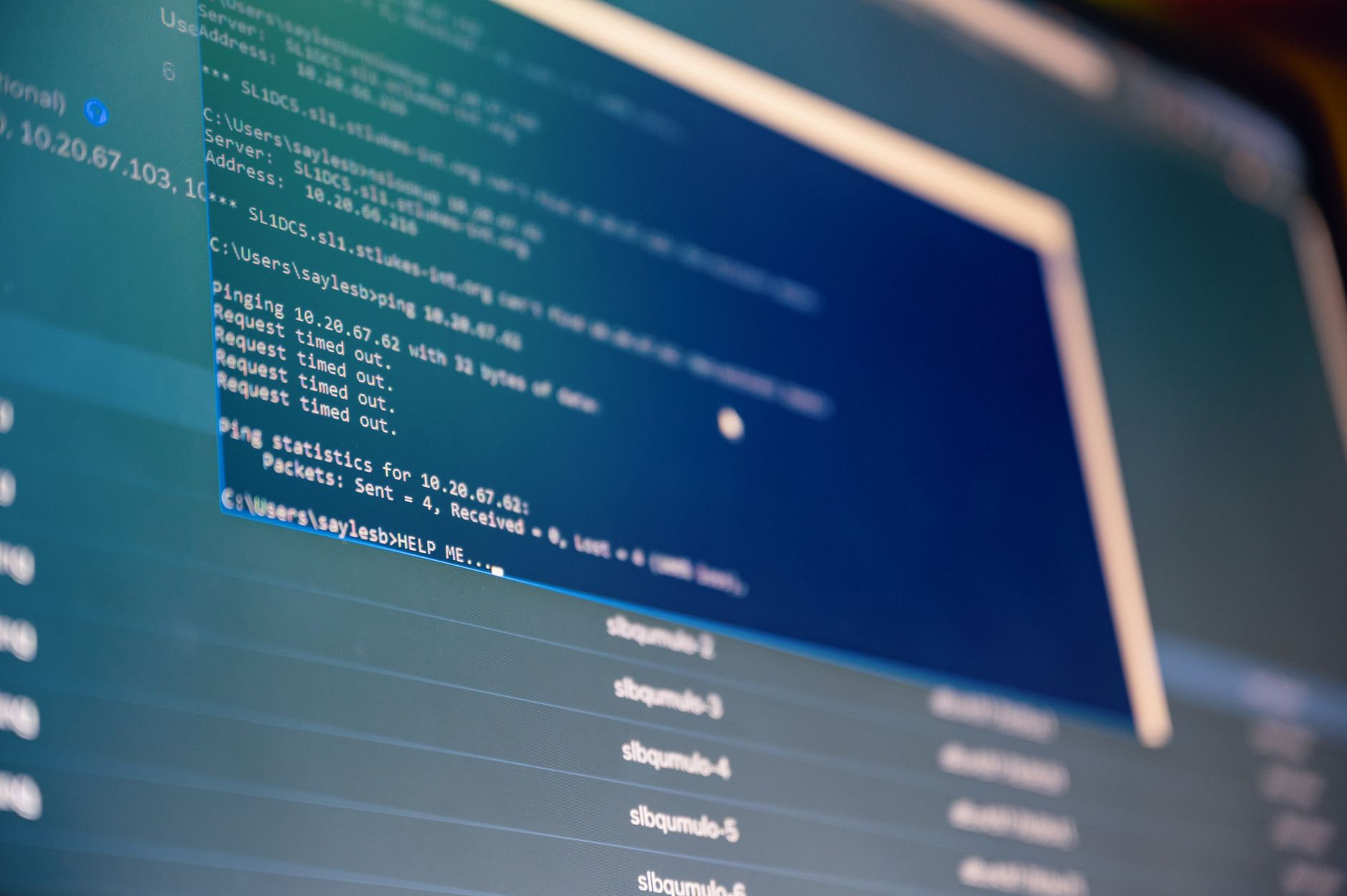
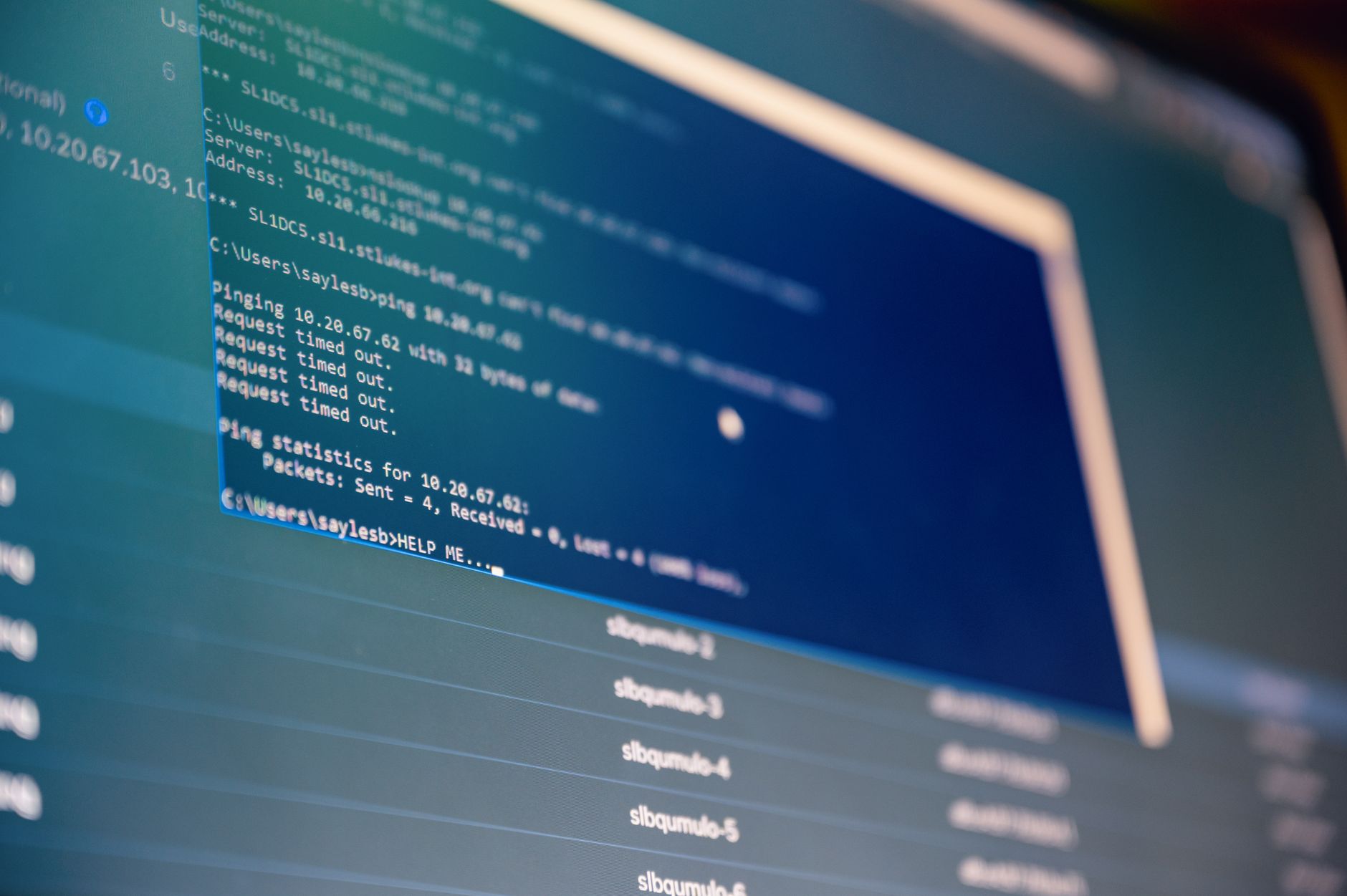
Fix website down not working errors by checking DNS propagation, SSL validity, and server resource limits. Use this 2026 guide to isolate the root cause efficiently.
Read moreResolve database connection timeouts by testing network latency, adjusting TCP keepalives, and fixing poor connection pooling configurations.
Read moreFix WordPress 500 errors fast. This 2026 guide shows you how to read debug logs, check permissions, and resolve PHP fatal errors step-by-step.
Read moreFix 403 forbidden error: Check file permissions, .htaccess rules, and DocumentRoot paths. Step-by-step guide to stop "You don't have permission to access this resource" alerts on WordPress and Apache...
Read moreFix database connection timeout by adjusting PHP max_execution_time and checking network latency between server locations.
Read moreFix email not sending errors by checking mail logs, validating SPF records, and unblocking port 25.
Read moreFix DNS server not responding by flushing local cache, switching to public resolvers like 1.1.1.1, and tracing upstream failures using dig and nslookup for rapid resolution.
Read moreIdentify the source of WordPress malware, clean infected files, secure your database, and prevent re-infection with this step-by-step technical guide.
Read moreFix SSH connection refused port 22 errors by checking service status, firewall rules, and config files. This 2026 guide covers debugging steps and prevention strategies for secure servers.
Read moreFix a website down error by isolating whether the fault lies in DNS, the web server, or the application layer using diagnostic tools.
Read more