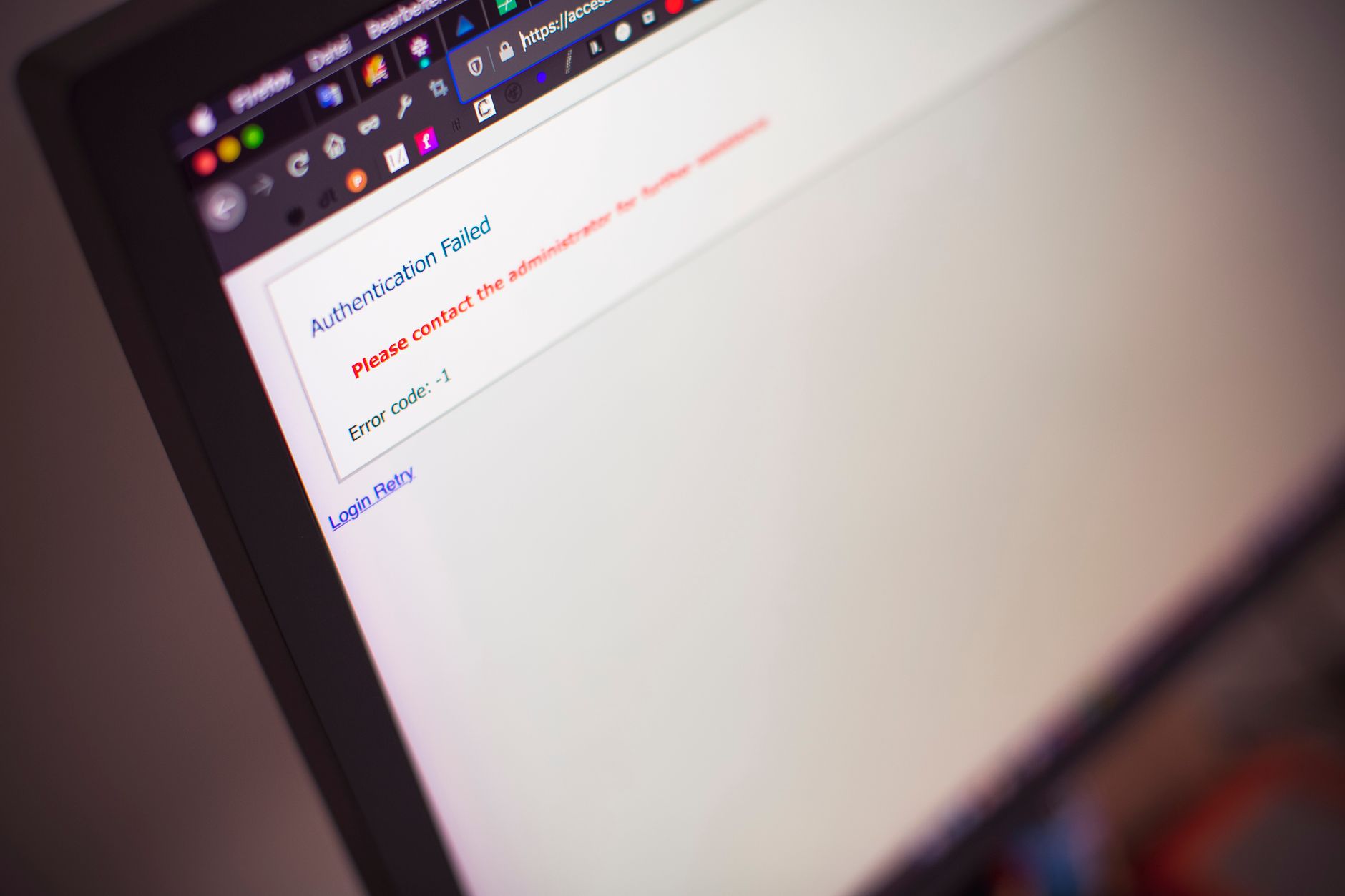
Fix website downtime fast by diagnosing resource exhaustion, DNS errors, service crashes, and config mistakes using server logs and monitoring tools.
Read moreFix DNS server not responding errors by flushing cache, switching to public DNS like 8.8.8.8, or restarting your router to restore name resolution.
Read moreERR_CONNECTION_TIMED_OUT means your browser couldn't reach the server within the allowed time window.
Read moreDNS_PROBE_FINISHED_NXDOMAIN means your browser cannot resolve a domain name into an IP address because the DNS lookup failed.
Read moreERR_SSL_PROTOCOL_ERROR means your browser can't establish a secure HTTPS connection because of a TLS handshake failure, certificate problem, or…
Read more"DNS server not responding" means your computer can't reach the DNS service that translates domain names into IP addresses.
Read moreFix website down checker false alerts by resolving DNS propagation delays, whitelisting monitor IPs, validating SSL chains, and testing from multiple regions.
Read moreA website down error means your site is unreachable due to server failure, DNS issues, hosting limits, DDoS attacks, or configuration mistakes.
Read moreA 403 Forbidden error means the web server understood your request but refuses to authorize it.
Read moreA website down not working error means visitors see a timeout, DNS failure, or server error instead of your site.
Read more