
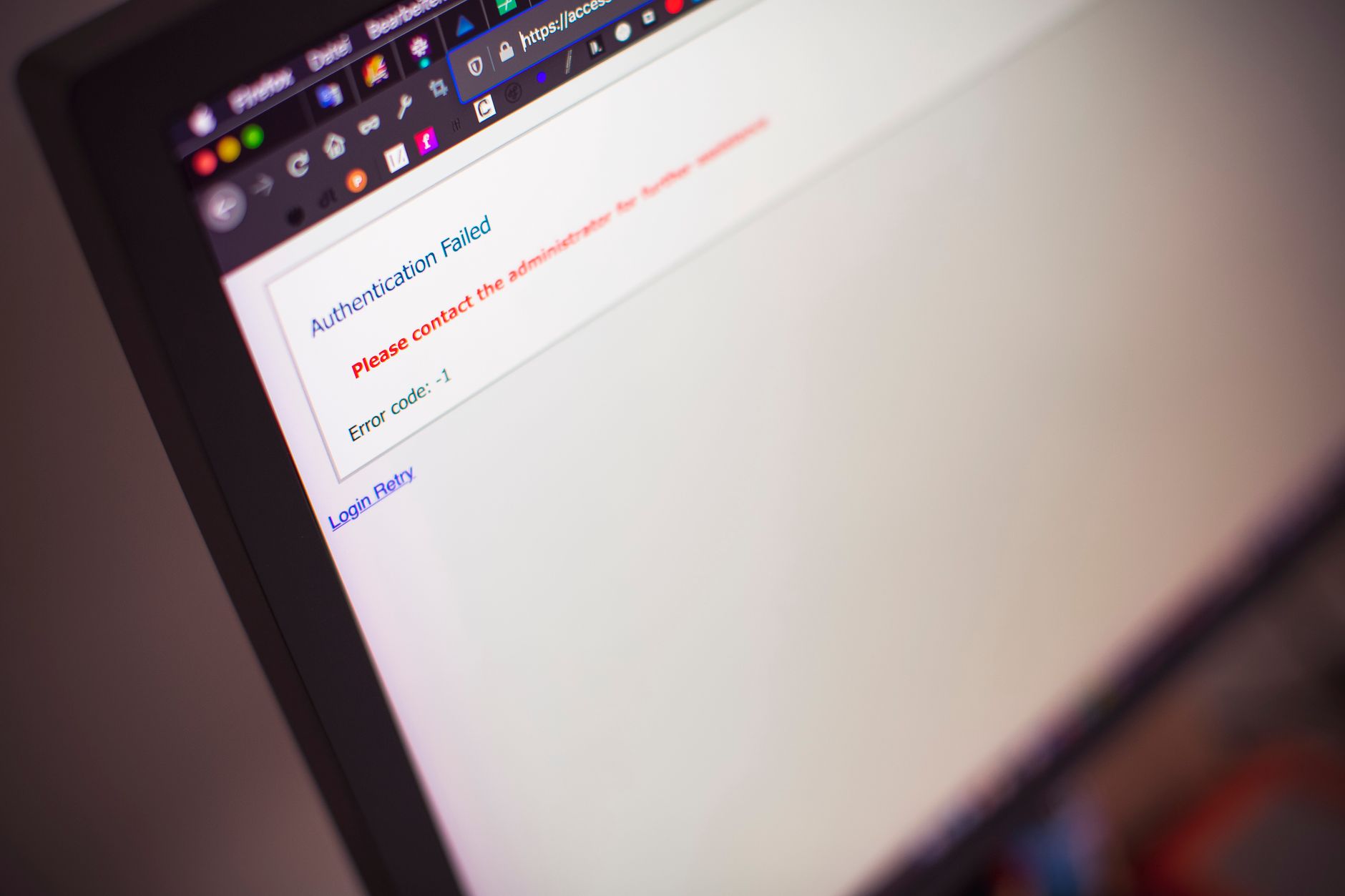
Cloudflare error 1020 access denied occurs when Cloudflare’s firewall rules block your request based on IP reputation, geographic location, user-agent patterns, or custom security rules. In 2026, this typically indicates either legitimate security triggers or overly restrictive WAF configurations. The fix involves identifying the specific firewall rule causing the block and either whitelisting trusted traffic or adjusting rule sensitivity.
Understanding error 1020 is critical for both site owners and visitors. According to Cloudflare’s 2025 transparency report, firewall rules block approximately 3.2% of all HTTP requests globally, with false positives affecting legitimate users in roughly 0.4% of cases. For businesses, a misconfigured firewall rule can silently lose customers, while for developers, resolving 1020 errors efficiently prevents support ticket overload and maintains user trust.
Error 1020 is Cloudflare’s specific response code indicating that a firewall rule has explicitly denied access to a resource. Unlike other Cloudflare errors that stem from origin server issues or network problems, 1020 is purely a security enforcement action. The error appears when Cloudflare evaluates an incoming request against configured firewall rules and finds a matching “Block” action.
The key distinction: this error is intentional security behavior, not a malfunction. Cloudflare’s Web Application Firewall (WAF) examines dozens of request attributes—IP address, ASN, country code, URI path, HTTP headers, request method, and threat score—then applies rules in priority order. When a blocking rule matches, the request never reaches your origin server.
Common triggers include:
Site administrators with Cloudflare dashboard access can pinpoint the blocking rule through the Firewall Events log. Navigate to Security > Events and filter by “Action: Block” and “Error Code: 1020.” Each event displays the Ray ID, client IP, timestamp, matched rule name, and rule ID.
The Ray ID is your diagnostic key. When a user reports a 1020 error, ask them for the Ray ID displayed on the error page. Search this ID in the Firewall Events log to see exactly which rule triggered. The event detail page shows:
For Enterprise customers, Cloudflare Logs integration with services like Datadog or Splunk enables programmatic analysis of firewall blocks at scale. You can identify patterns—such as legitimate API clients being blocked—and adjust rules proactively.
Based on Cloudflare community forums and support cases, three rule categories generate the majority of unintended 1020 errors:
Geographic blocking rules: Rules that block entire countries often catch VPN users, travelers, or remote workers. A U.S. company blocking traffic from Eastern Europe might inadvertently block their own employees using VPN services with exit nodes in those regions.
User-agent filtering: Rules targeting specific browsers or client types frequently misfire. Blocking outdated browser versions can lock out users on corporate networks with enforced browser policies. Similarly, blocking common HTTP libraries (like Python’s requests or curl) breaks legitimate API integrations.
Threat score thresholds: Cloudflare assigns each request a threat score from 0-100. Rules that block requests above score 10 or 20 often catch shared hosting IPs, corporate NAT gateways, or mobile carrier networks flagged due to unrelated abuse. According to OWASP’s 2025 guidance on WAF tuning, threat scores below 50 produce high false positive rates and require careful validation.
If your users report 1020 errors, follow this systematic troubleshooting workflow:
Example firewall rule expression to allow a trusted API client:
(http.user_agent contains "MyApp/2.0") and (ip.src in {203.0.113.0/24})Set this rule’s action to “Allow” and position it above your blocking rules in the priority order. Cloudflare evaluates rules top-to-bottom and stops at the first match.
If you encounter error 1020 on a site you’re trying to access, your options are limited because the block is intentional on the site owner’s side. However, these steps can help:
Do not attempt to bypass the block with tools or techniques designed to evade security measures. Doing so may violate the site’s terms of service and could escalate to longer-term blocking.
You can disable all custom firewall rules, but this removes critical protection against DDoS attacks, bots, and malicious traffic. Instead, audit your rules individually and adjust or remove only those causing false positives. Cloudflare’s managed rulesets, which provide baseline security, should remain enabled unless you have specific reasons to disable them.
Firewall rules apply to all traffic, including site owners. If you’re blocked, either your IP is caught by a broad rule (e.g., country block, threat score threshold) or you’re testing with unusual request patterns. Add your home/office IP to an “Allow” rule or temporarily set blocking rules to “Log” mode to avoid locking yourself out during testing.
If your firewall blocks Googlebot or other search crawlers, yes—blocked crawlers cannot index your content. Check Security > Events for User-Agent “Googlebot” and Action “Block.” Create an explicit allow rule for verified Googlebot IPs (available in Google Search Console). According to Google’s 2025 crawling guidelines, crawler blocks must be resolved within 72 hours to prevent indexing impact.
Error 1010 occurs when Cloudflare’s browser integrity check detects invalid or missing browser characteristics. Error 1012 is similar but specifically for denied access to the Cloudflare dashboard or API. Error 1020 is broader—any firewall rule block—and is the most common access denied error. All three indicate intentional blocking, but the underlying detection mechanisms differ.
All Cloudflare plans include access to Firewall Events for the past 72 hours. Free plans show the most recent events with basic filtering. Pro plans extend retention to 30 days and add advanced filtering options. Enterprise plans offer unlimited retention and detailed analytics. You do not need to upgrade to diagnose and fix 1020 errors—the free tier provides sufficient visibility for most troubleshooting.