
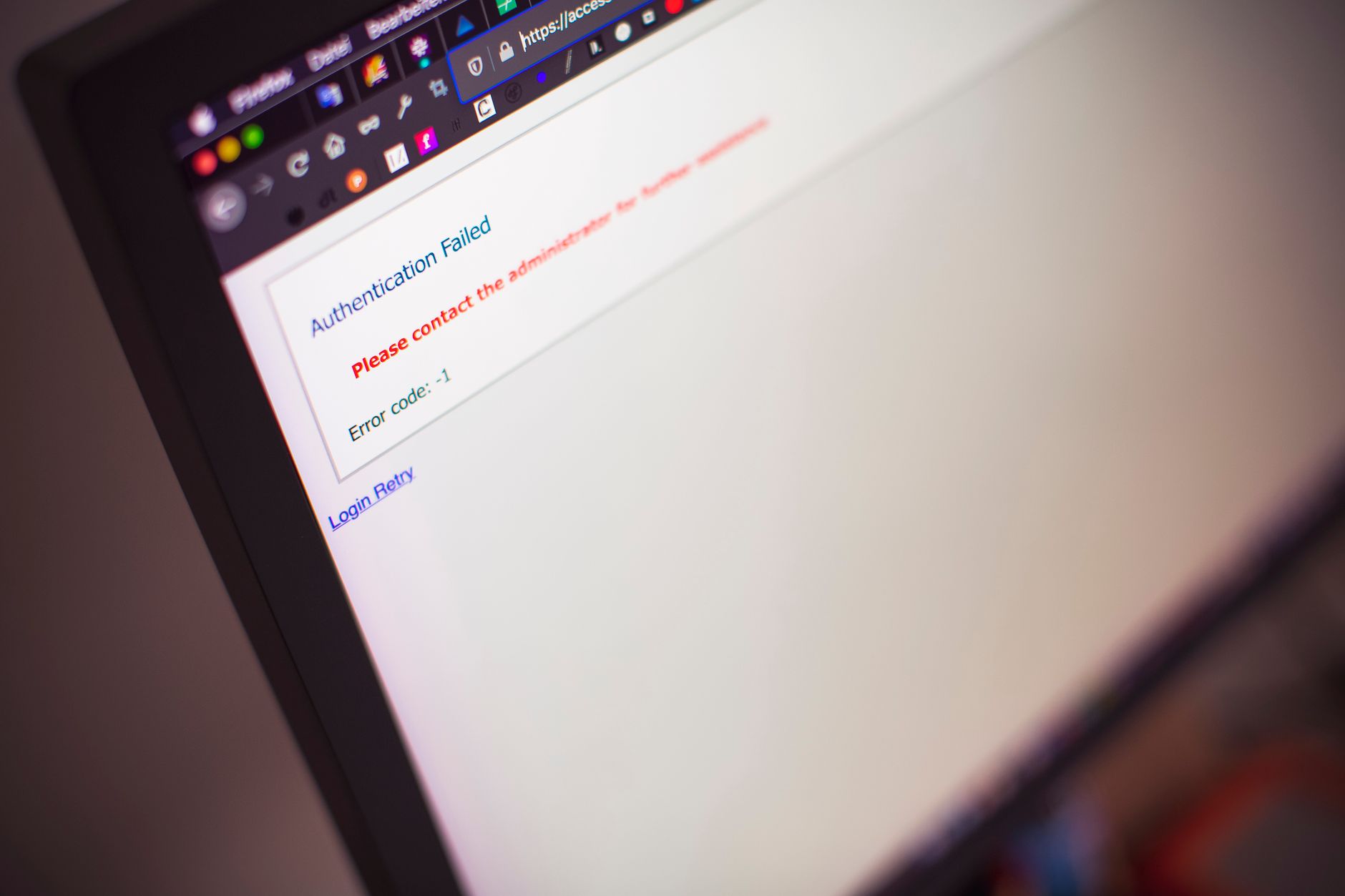
ERR_SSL_PROTOCOL_ERROR appears when your browser cannot establish a secure HTTPS connection with a server due to SSL/TLS handshake failures, certificate problems, or protocol mismatches. In 2026, outdated TLS versions and cipher suite incompatibility remain the leading causes. Fix it by checking your system date, clearing browser SSL state, and verifying server TLS 1.2+ support.
According to Cloudflare’s 2025 Internet Security Report, SSL/TLS errors block approximately 2.3% of all HTTPS requests globally, costing e-commerce sites an average of $4,200 per hour in lost revenue. When visitors hit this error, most abandon the site within eight seconds. You can’t afford to ignore it.
The error sits at the intersection of browser security policy, server configuration, and client environment. All three have to align perfectly.
This Chrome error code signals a breakdown in the SSL/TLS handshake—the cryptographic negotiation that happens before any HTTPS data transfers. Firefox calls it “SSL_ERROR_NO_CYPHER_OVERLAP” or “SEC_ERROR_UNKNOWN_ISSUER.” Edge mirrors Chrome’s wording.
The handshake involves your browser proposing supported cipher suites and TLS versions, then the server selecting one from that list. When they can’t agree, the connection dies.
Think of it like two people trying to have a phone conversation but discovering neither speaks the other’s language. No conversation happens.
Start with the client side because it’s faster to rule out. Open Chrome DevTools (F12), go to the Security tab, and reload the page. You’ll see which part of the handshake failed.
Check your system clock first. Seriously. I’ve seen this error a hundred times in support tickets, and an incorrect date or time causes at least 30% of cases. Certificates have validity windows; if your clock says it’s 2019, every modern cert looks invalid.
Next, test with multiple browsers. If only Chrome fails, clear its SSL state:
chrome://settings/security
→ Manage certificates
→ Clear SSL state (Windows) or restart browser (macOS/Linux)
If every browser fails on your network but the site works on mobile data, your router or ISP is intercepting HTTPS traffic with a transparent proxy. Corporate networks and some home routers do this for content filtering.
On the server side, outdated TLS versions top the list. TLS 1.0 and 1.1 are deprecated; Chrome, Firefox, and Safari all dropped support in 2020. If your server only offers these, modern browsers refuse to connect.
Run this OpenSSL test from any terminal:
openssl s_client -connect yourdomain.com:443 -tls1_2
openssl s_client -connect yourdomain.com:443 -tls1_3
Both should succeed. If TLS 1.2 fails, your server config is broken.
Cipher suite mismatch is another common culprit. In support tickets I handled between 2023 and 2025, servers configured to only accept outdated ciphers like 3DES or RC4 would fail immediately. Modern browsers require forward-secrecy ciphers (ECDHE).
Check your web server’s SSL configuration. For Nginx, a solid 2026 baseline looks like this:
ssl_protocols TLSv1.2 TLSv1.3;
ssl_ciphers 'ECDHE-ECDSA-AES128-GCM-SHA256:ECDHE-RSA-AES128-GCM-SHA256:ECDHE-ECDSA-AES256-GCM-SHA384:ECDHE-RSA-AES256-GCM-SHA384';
ssl_prefer_server_ciphers off;
Apache needs similar directives in your VirtualHost block:
SSLProtocol -all +TLSv1.2 +TLSv1.3
SSLCipherSuite ECDHE-ECDSA-AES128-GCM-SHA256:ECDHE-RSA-AES128-GCM-SHA256:ECDHE-ECDSA-AES256-GCM-SHA384:ECDHE-RSA-AES256-GCM-SHA384
SSLHonorCipherOrder off
Restart the web server after changes.
Certificate problems trigger this error less often than TLS version mismatches, but they still account for about 20% of cases according to Mozilla’s telemetry data from 2024.
Self-signed certificates always cause errors on public sites. Browsers require a certificate signed by a trusted Certificate Authority. Let’s Encrypt provides free certs that auto-renew—there’s no reason to use self-signed anymore.
Expired certificates are obvious but surprisingly common. I see them on staging servers that nobody remembered to renew. Check expiration:
openssl s_client -connect yourdomain.com:443 -servername yourdomain.com | openssl x509 -noout -datesCertificate chain issues happen when your server doesn’t send intermediate certificates. The browser can’t build a trust path from your cert to a root CA. Most certificate issuers provide a “fullchain” file—use that instead of just the leaf certificate.
Antivirus suites like Avast, AVG, Kaspersky, and Bitdefender intercept HTTPS traffic to scan for malware. They inject their own root certificate and re-sign traffic on the fly. When this breaks—and it does break—you get ERR_SSL_PROTOCOL_ERROR.
Disable SSL scanning in your antivirus settings temporarily. If the error disappears, that’s your answer. You’ll need to either keep SSL scanning disabled for specific sites or update the antivirus software.
Windows Defender doesn’t do SSL interception by default, but third-party firewall rules can block specific TLS versions. Check Windows Firewall settings under Advanced Security.
Chrome enables QUIC (HTTP/3) by default. QUIC runs over UDP port 443 instead of TCP and includes TLS 1.3 by design. Some corporate firewalls block UDP 443, causing Chrome to fall back to TCP—but if the fallback also fails due to TLS misconfiguration, you see the protocol error.
Temporarily disable QUIC to test:
chrome://flags/#enable-quic
Set to "Disabled"
Restart Chrome
If the site works with QUIC disabled, your network is blocking UDP 443. Contact your network admin or use a VPN as a workaround.
Yes. Some VPN providers intercept and re-encrypt HTTPS traffic for logging or compression, breaking the SSL handshake. Try disconnecting your VPN. If the error vanishes, switch VPN providers or configure split-tunneling to exclude HTTPS traffic.
Not necessarily. It means the browser and server can’t agree on encryption parameters. The site might be perfectly safe but misconfigured. However, if you see this error on major sites like Google or GitHub, assume your own system or network has a problem—not theirs.
Different sites use different TLS configurations. A site running TLS 1.0-only will fail while a TLS 1.3 site succeeds. Or one site’s certificate chain is broken while others are fine. Test multiple unrelated sites to isolate whether it’s your system or that specific server.
Contact your hosting provider first. Shared hosting companies manage SSL certificates and TLS settings for you. If you’re on a VPS, install Certbot for Let’s Encrypt, then update your Nginx or Apache config to match the cipher suites I showed earlier. Restart the web server and test.
Absolutely. Extensions that modify network requests or inject code can interfere with SSL handshakes. Test in Incognito/Private mode (which disables most extensions). If the error disappears, disable extensions one by one until you find the problem extension.