
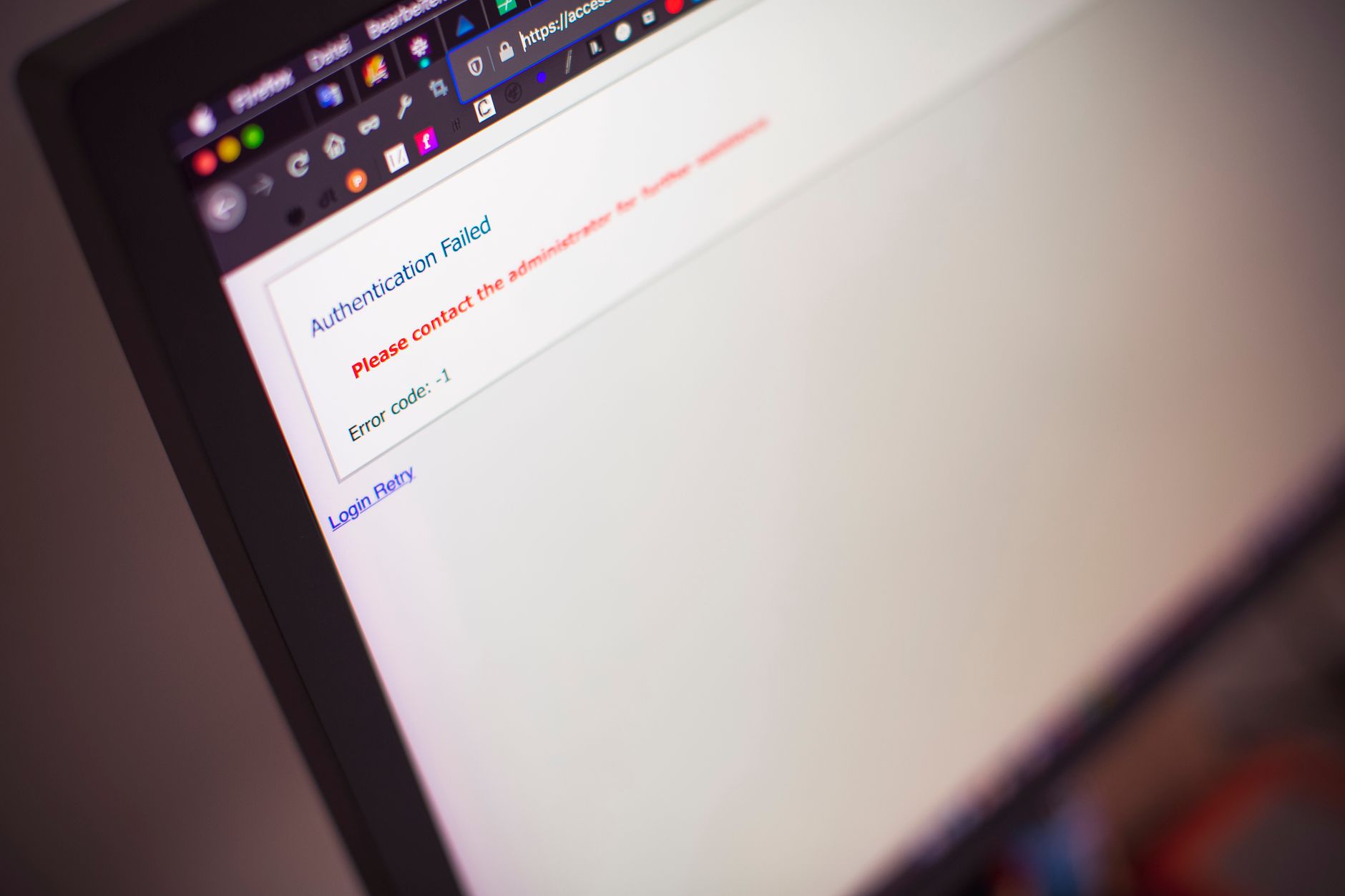
A website goes down when visitors cannot reach it due to server failures, DNS misconfiguration, exhausted resources, DDoS attacks, or code errors. In 2026, the average incident costs businesses $5,600 per minute according to Gartner, making proactive monitoring and rapid diagnosis non-negotiable for any online operation.
Downtime destroys revenue and trust faster than almost any other technical failure. Gartner research shows that 98% of organizations report a single hour of downtime costs over $100,000, with some enterprises losing millions. Beyond the direct financial hit, search engines penalize unreliable sites, customers abandon brands after one bad experience, and support tickets spike. The GitHub monitoring space has grown to 730 starred projects in 2026, reflecting how seriously the infrastructure community takes availability.
Server hardware fails. Disks fill up. Applications crash under load. DNS records expire or point to the wrong IP after a migration. Someone pushes broken code to production at 3 AM. A sudden traffic spike from a viral post overwhelms your origin. Your hosting provider has a datacenter fire. An automated security tool blocks legitimate traffic. SSL certificates expire. A malicious actor floods your endpoints.
In support tickets I handled, the usual culprit was a full disk—logs, caches, and uploaded files consuming every available byte until the web server couldn’t write temp files and gave up. Second place goes to memory exhaustion: a PHP process leak or runaway MySQL query eating RAM until the kernel OOM-killer terminates critical services.
Configuration mistakes rank high too. A typo in your Nginx config, a firewall rule that blocks port 443, or a DNS A record still pointing to your old host weeks after you migrated. These are silent until they’re not.
Start by confirming it’s actually down for everyone, not just you. Use a third-party checker like DownDetector or isitdownrightnow.com to rule out local network issues or DNS cache staleness on your machine.
Check your hosting provider’s status page. Cloudflare, AWS, DigitalOcean, and most reputable hosts publish real-time incident reports. If they’re having an outage, you’ll know within seconds.
SSH into your server if you can reach it. Run df -h to check disk space, free -m for memory, and top or htop to see what’s consuming CPU. Look at web server error logs immediately:
sudo tail -n 100 /var/log/nginx/error.log
sudo tail -n 100 /var/log/apache2/error.log
For PHP sites, check /var/log/php-fpm/error.log or wherever your PHP-FPM logs live. MySQL issues? Try /var/log/mysql/error.log.
If SSH is unreachable, the server might be kernel-panicked, network-isolated, or powered off. Access your hosting panel’s console or VNC to see what the machine is doing. Sometimes you’ll find a file system check running or a boot loop.
DNS problems show up differently. Your domain might resolve to the wrong IP or not resolve at all. Use dig yourdomain.com or nslookup yourdomain.com to see what the DNS system is returning. Compare it against your hosting provider’s assigned IP. If they don’t match, either your DNS records are stale or you updated them recently and propagation is still underway.
You can’t fix what you don’t know is broken. Uptime monitoring services ping your site every 30-60 seconds and alert you the moment a check fails. UptimeRobot offers a free tier that covers basic HTTP checks. Pingdom and StatusCake provide more granular options, including transaction monitoring and multi-location checks.
For WordPress specifically, Jetpack Monitor and ManageWP include downtime alerts. Self-hosted options like Uptime Kuma (one of those 730-starred GitHub projects) run on your own infrastructure and give you full control over check intervals, alert channels, and status pages.
Application performance monitoring tools like New Relic, Datadog, or the open-source Netdata catch performance degradation before it becomes a full outage. A slow database query that takes 5 seconds today might take 50 seconds tomorrow under higher load, eventually timing out and bringing the site down. Catching that trend early means you can optimize the query before users notice.
Log aggregation matters too. Centralizing logs from your web server, PHP-FPM, database, and cron jobs into a tool like Loki, Graylog, or even a simple rsyslog forwarding setup lets you search across your entire stack when hunting for the root cause. Correlation is everything: a spike in 500 errors at 02:14 that matches a cron job running at 02:15 tells you exactly where to look.
Disk full? Delete old logs first. Rotate them if you haven’t set up logrotate yet:
sudo find /var/log -name "*.log" -mtime +30 -delete
sudo apt install logrotate  # Debian/Ubuntu
Configure logrotate rules in /etc/logrotate.d/ to compress and remove old entries automatically. WordPress uploads directory bloated? Offload media to S3 or a CDN.
Out of memory? Restart the web service to clear leaked processes temporarily, then investigate which script or plugin is leaking. For WordPress, deactivate plugins one by one while monitoring memory usage. A poorly coded plugin can easily consume hundreds of megabytes per request. Add or increase swap as a stopgap, but real fixes involve code optimization or more RAM.
Web server won’t start after a config change? Test your configuration syntax before reloading:
sudo nginx -t
sudo apachectl configtest
If the test fails, the error message usually points to the line number and file. Fix it, test again, then reload.
SSL certificate expired? Let’s Encrypt renewals should be automatic via certbot renew in cron, but if you manage certificates manually, generate a new one immediately. Most CAs issue certificates within minutes. Don’t forget to reload your web server after installing the new cert.
Under DDoS attack? Enable Cloudflare’s “I’m Under Attack” mode, which adds a JavaScript challenge before serving pages. AWS Shield, Google Cloud Armor, and similar services offer more advanced mitigation. For application-layer attacks targeting specific endpoints, rate-limit at the web server level with modules like ngx_http_limit_req_module for Nginx.
Acknowledge the problem publicly if you have a status page or social media presence. Silence breeds anxiety. A simple “we’re aware and investigating” tweet buys you goodwill.
Triage by impact. If your database is down, the entire site is offline. If a single WordPress plugin is throwing errors, maybe only certain pages are affected. Fix the highest-impact issue first.
Roll back recent changes if downtime started right after a deployment. Git makes this easy—revert the last commit, push, and redeploy. Broken code in production is not the time to debug; restoration first, forensics later.
Document what you find. When you’re in the middle of an incident, your brain is in firefighting mode, and details slip away. Jot down timestamps, commands you ran, and what worked. That log becomes your postmortem and a reference for next time.
Depends on the fix. Restarting a crashed service takes seconds. DNS changes can take up to 48 hours to propagate globally, though most resolve within minutes if TTLs are low. If you’re restoring from backup, expect 10 minutes to several hours depending on database size and hosting speed.
Absolutely. The server might be on, but if the web service crashed, the database is unresponsive, or DNS is misconfigured, visitors see errors. Uptime is not the same as availability—every layer in the stack has to work for the site to load.
A brief outage (under an hour) rarely causes lasting damage. Google’s John Mueller has stated that short, infrequent downtime won’t hurt rankings. Repeated or prolonged outages signal unreliability, and search engines will eventually deprioritize your pages. Fix it fast and it’s usually fine.
A 500 Internal Server Error means the web server is reachable and trying to process requests, but the application itself is failing—often due to code bugs, database issues, or permission errors. A complete outage means the server doesn’t respond at all, usually from network problems, server crashes, or DNS failures.
For e-commerce, every minute offline is lost sales. A small online store doing $500K annually loses roughly $1 per minute. For SaaS or subscription services, the cost includes customer churn and support overhead. Even non-revenue sites lose credibility and search visibility with each incident.